

Ideas beyond the everyday
Practical ideas for better decisions, from content creation to everyday digital work.

How to Make a Wi-Fi QR Code (Do Special Characters Work? Plus Print Size)
I made 9 Wi-Fi QR codes—special characters, Korean, spaces, hidden networks—decoded them, and worked out print sizes by password length.
2026-10-12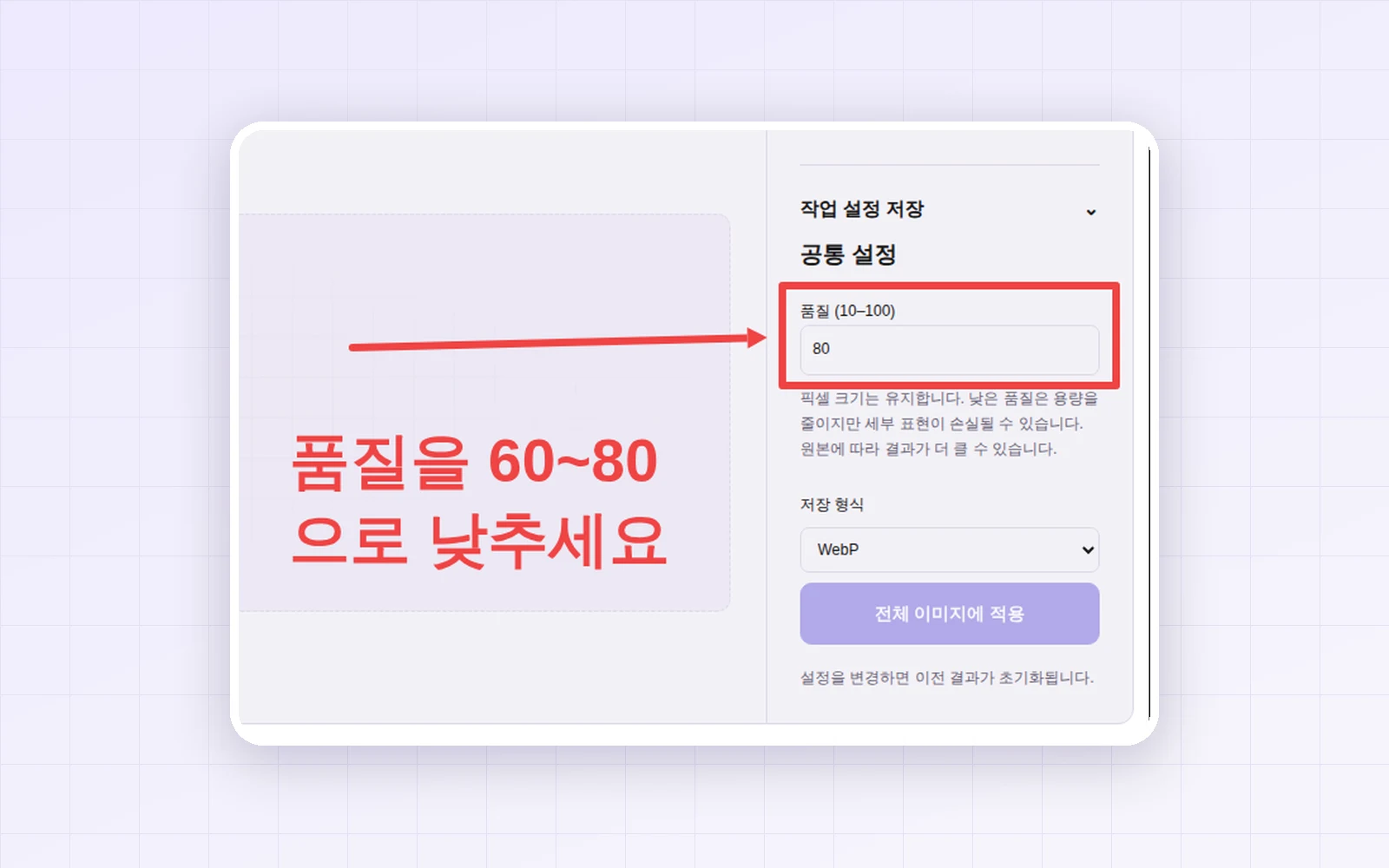
How to Add Arrows and Text to a Screenshot (What Text Size Stays Readable on a Phone?)
I annotated a 1920px screenshot with text, a rectangle and an arrow, then measured how big they look in a phone blog column—with a simple rule for readable text size.
2026-10-12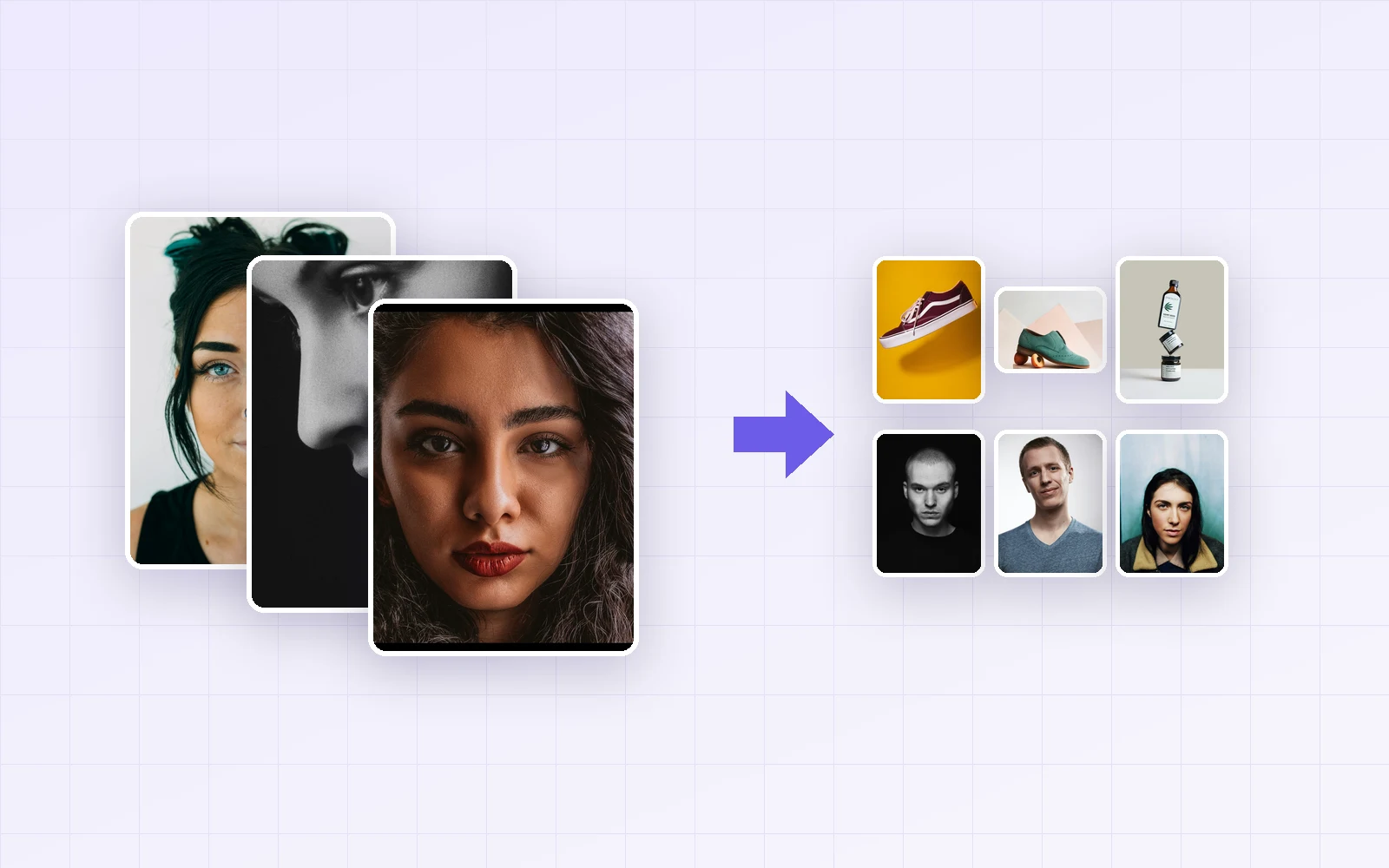
How to Resize Multiple Photos at Once (Batch Resize: 10 Phone Photos from 21.6MB to 3.1MB)
I batch-resized 10 phone photos with PicLever's Image resizer, comparing the four resize modes and file sizes by width and output format.
2026-10-11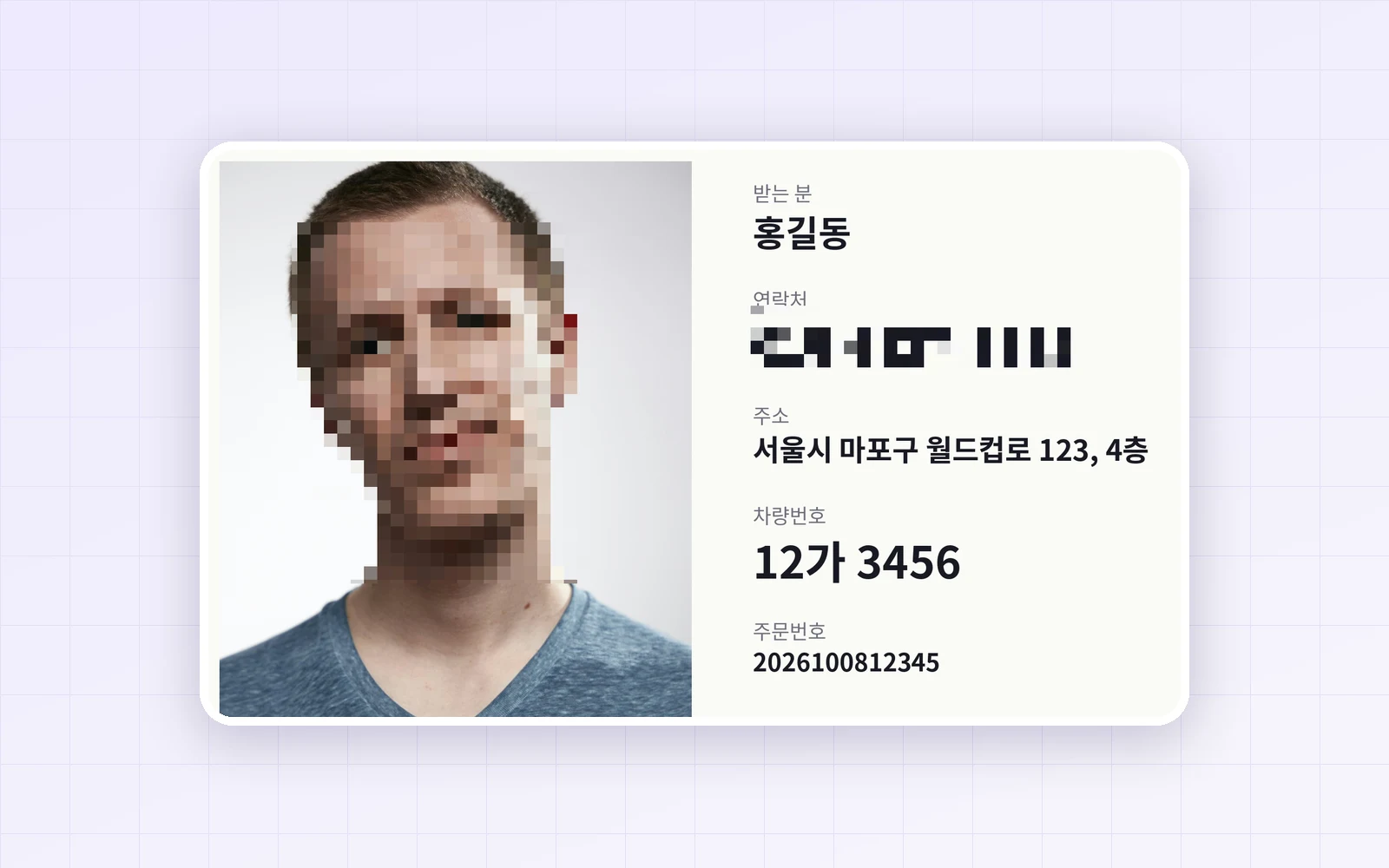
How to Pixelate Part of a Photo (Hide Phone Numbers and Faces—How Big Should the Mosaic Be?)
I pixelated a sample shipping label at mosaic sizes from 4 to 48px to see when phone numbers and faces stay recognizable, where the same setting hides less, and what metadata remains.
2026-10-08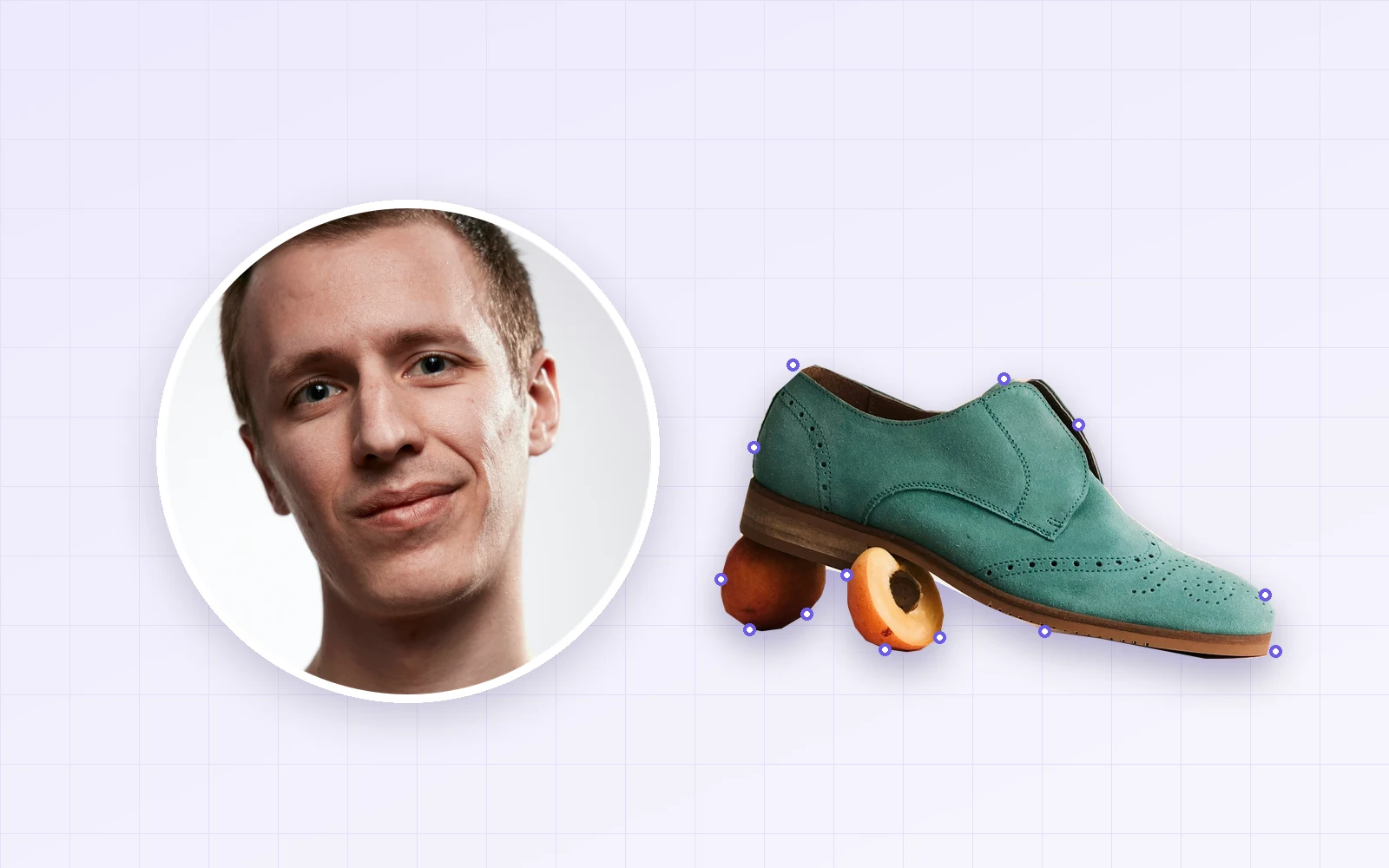
How to Crop a Photo into a Circle (Round Profile Pictures and Freeform Pen Cuts)
I cropped photos into circles and freeform shapes with PicLever's Image crop, comparing transparency and file size by format (PNG, WebP, JPG and more) and pen cuts with 10, 25 and 60 points.
2026-10-08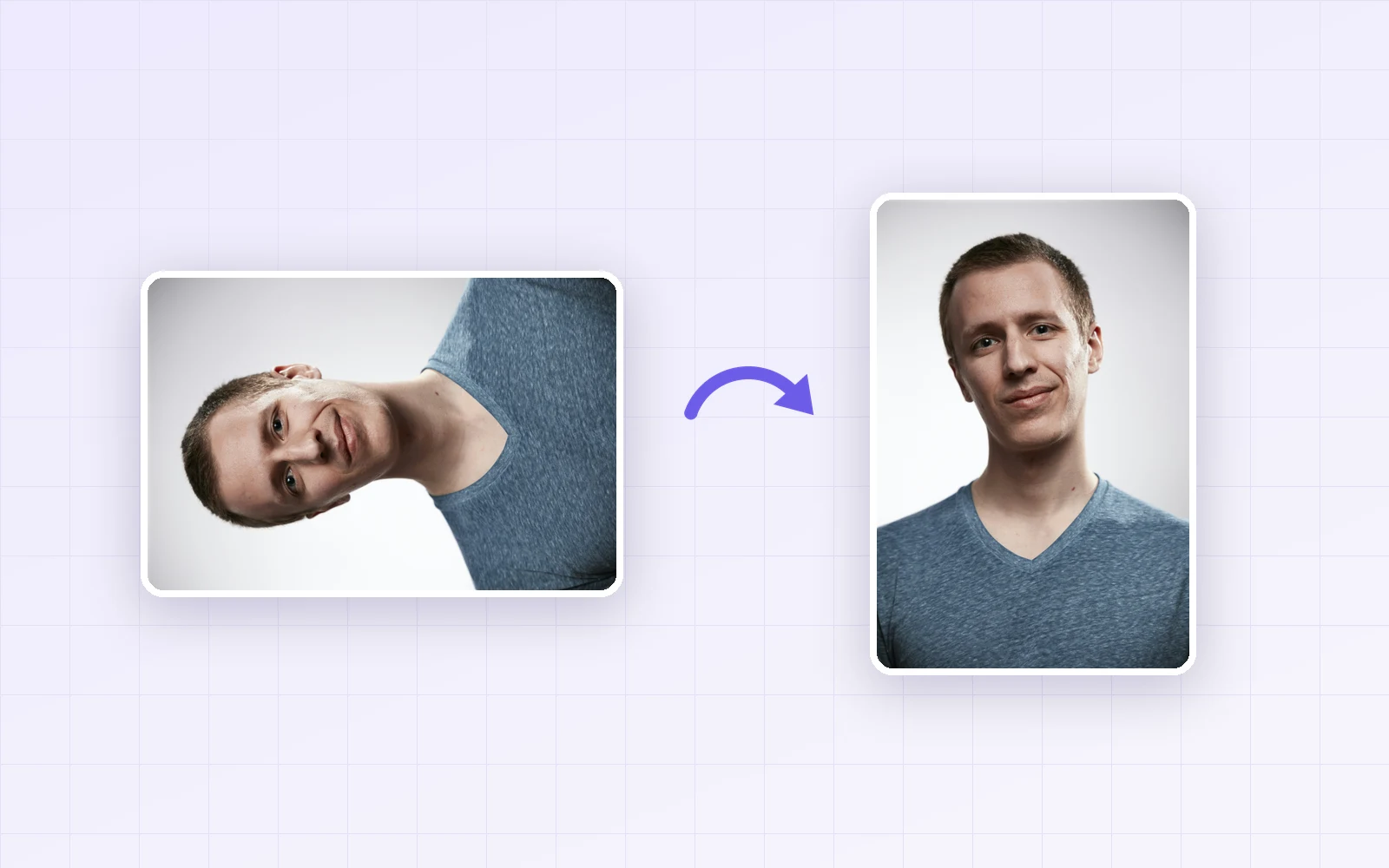
How to Rotate and Save a Photo (Fix Sideways Phone Photos—What Happens to Quality and Location Data?)
Why phone photos show up sideways (EXIF orientation), and what PicLever's image rotation does to orientation, file size and quality in JPG, WebP and PNG, and to location and capture data.
2026-10-08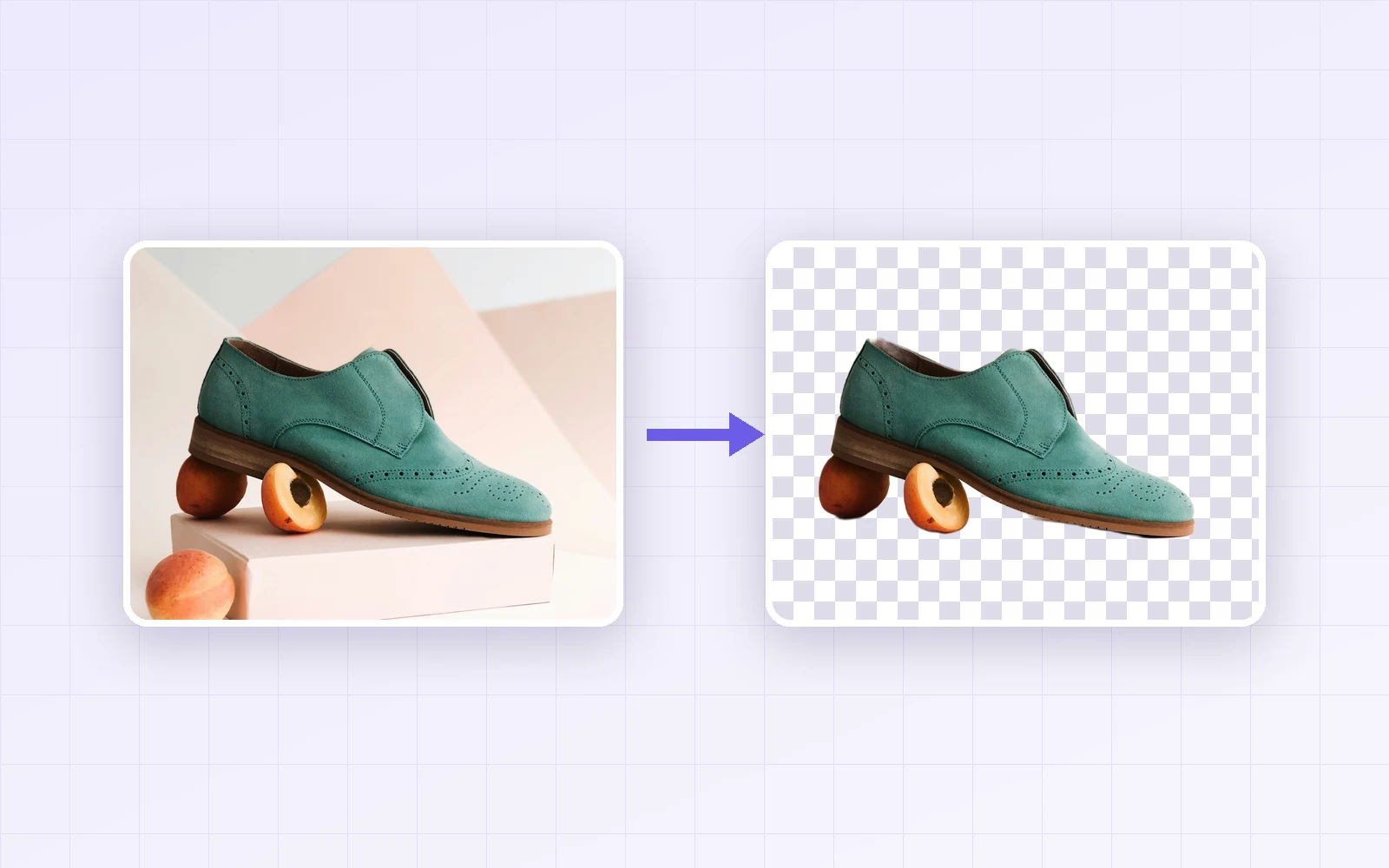
How to Remove an Image Background for Free (Products vs. Portraits, General vs. Portrait Model, Edge Setting)
I removed backgrounds from product, coffee cup and portrait photos with PicLever's General and Portrait detail models. General suited products, Portrait detail suited people, and I compared Edge settings and PNG, WebP and JPG file sizes.
2026-10-08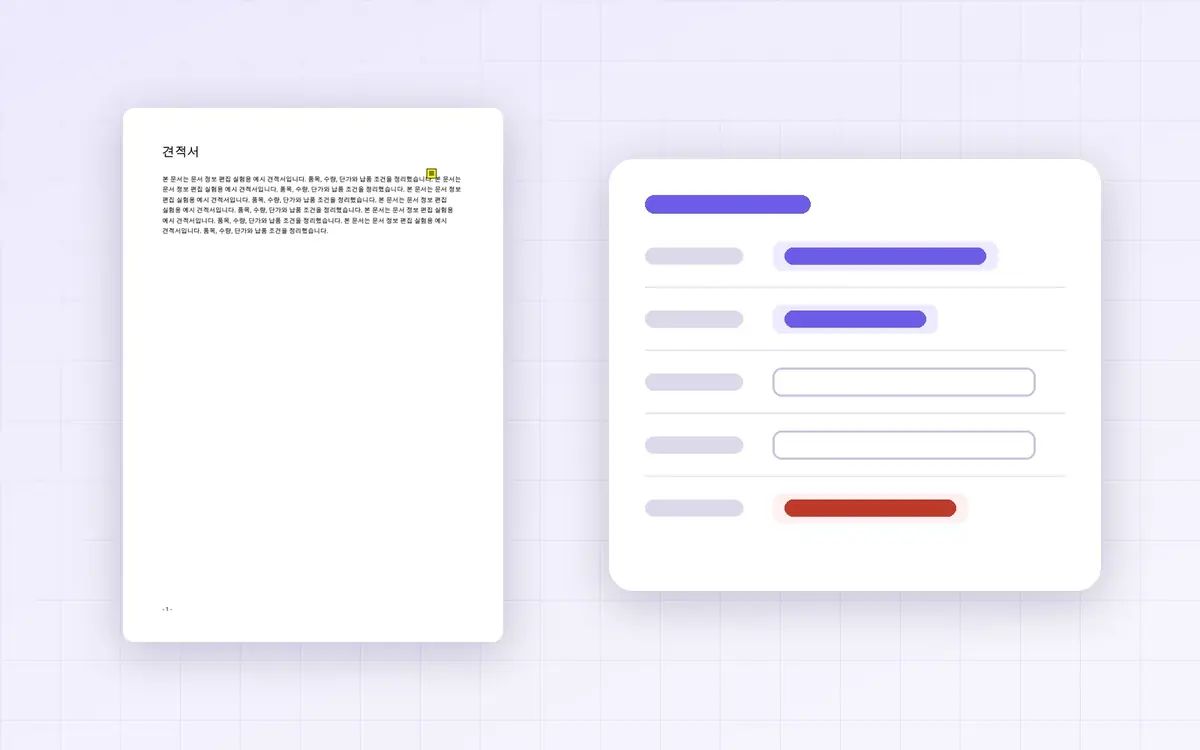
How to Change a PDF's Author and Title (Which Document Properties Actually Get Removed?)
I changed and cleared a PDF's title and author with PicLever's Edit document info. The hidden XMP copy was removed too, but the creating app, dates, custom properties and comment author stayed. Page content, bookmarks and links were untouched.
2026-10-08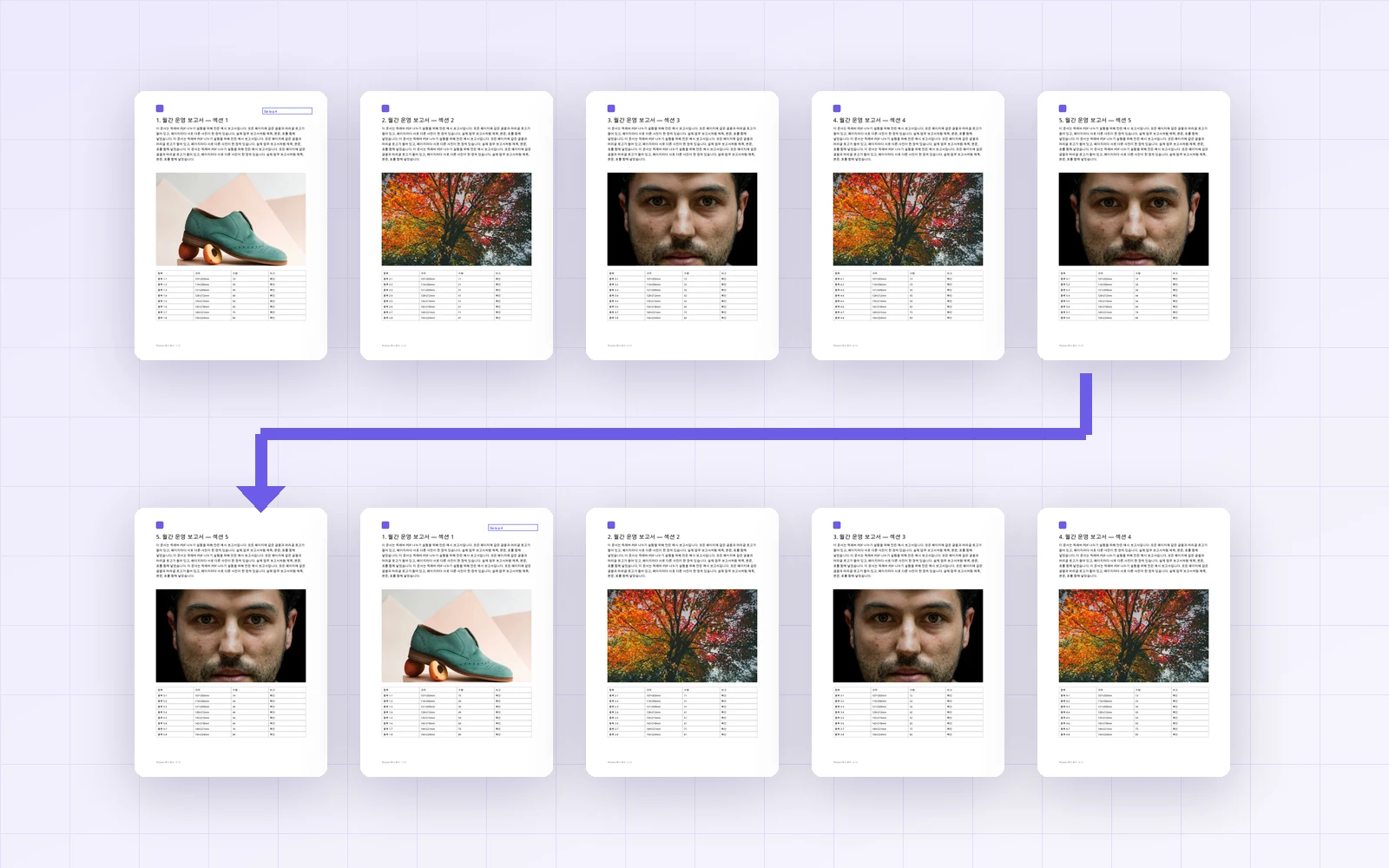
How to Reorder PDF Pages (Move to Front, Reverse Order, and What Happens to Bookmarks and Links)
I reordered and reversed a 5-page report. Page content, file size, bookmarks, document info and internal links were kept; only form data was dropped.
2026-10-07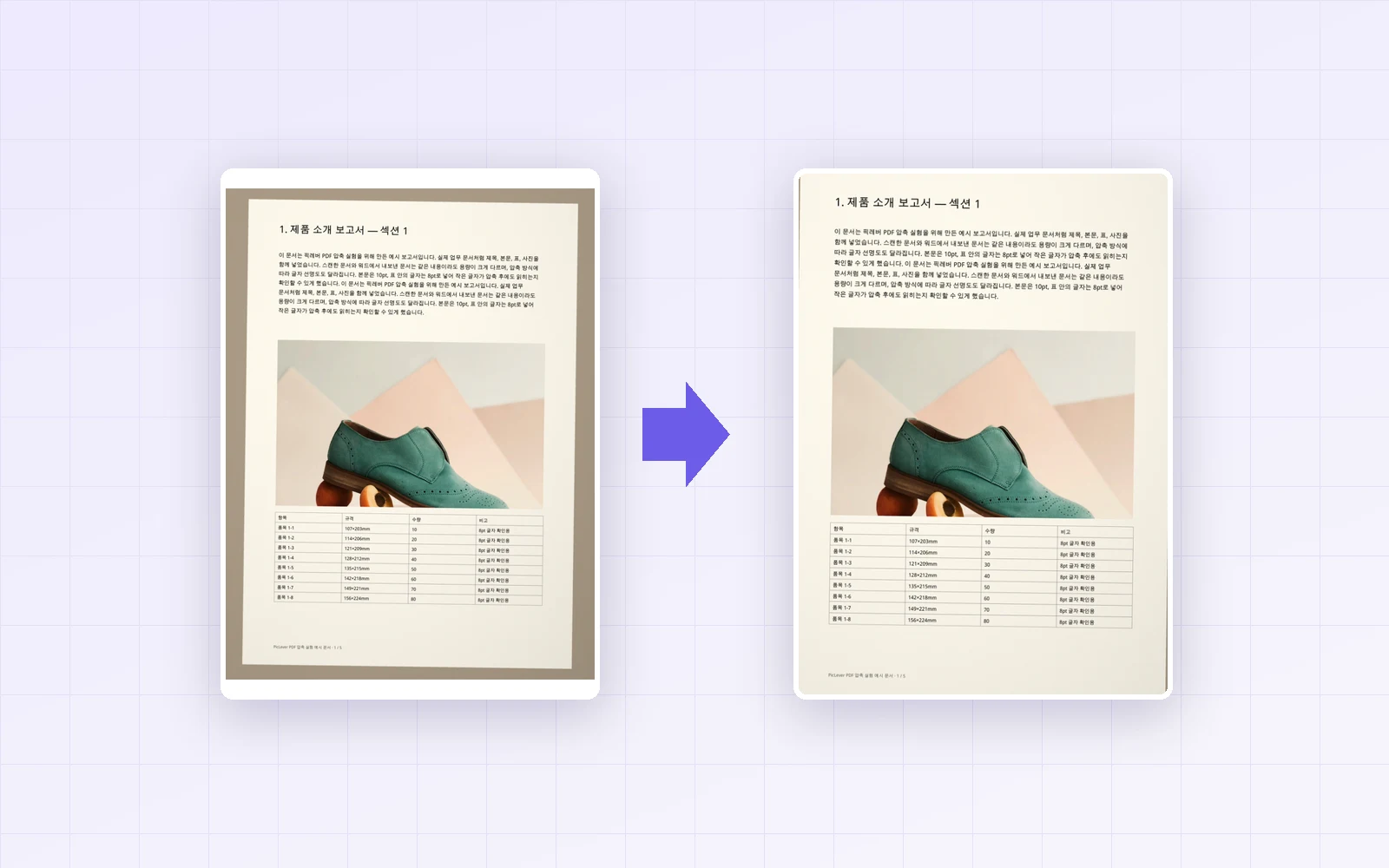
How to Crop PDF Margins (Trim Scan Backgrounds, and Is the Cropped Part Really Gone?)
I trimmed the background from a phone-scanned PDF in millimeters. Cropping only changes the visible area, so file size stayed the same and a cropped-out note was still extractable by other programs.
2026-10-06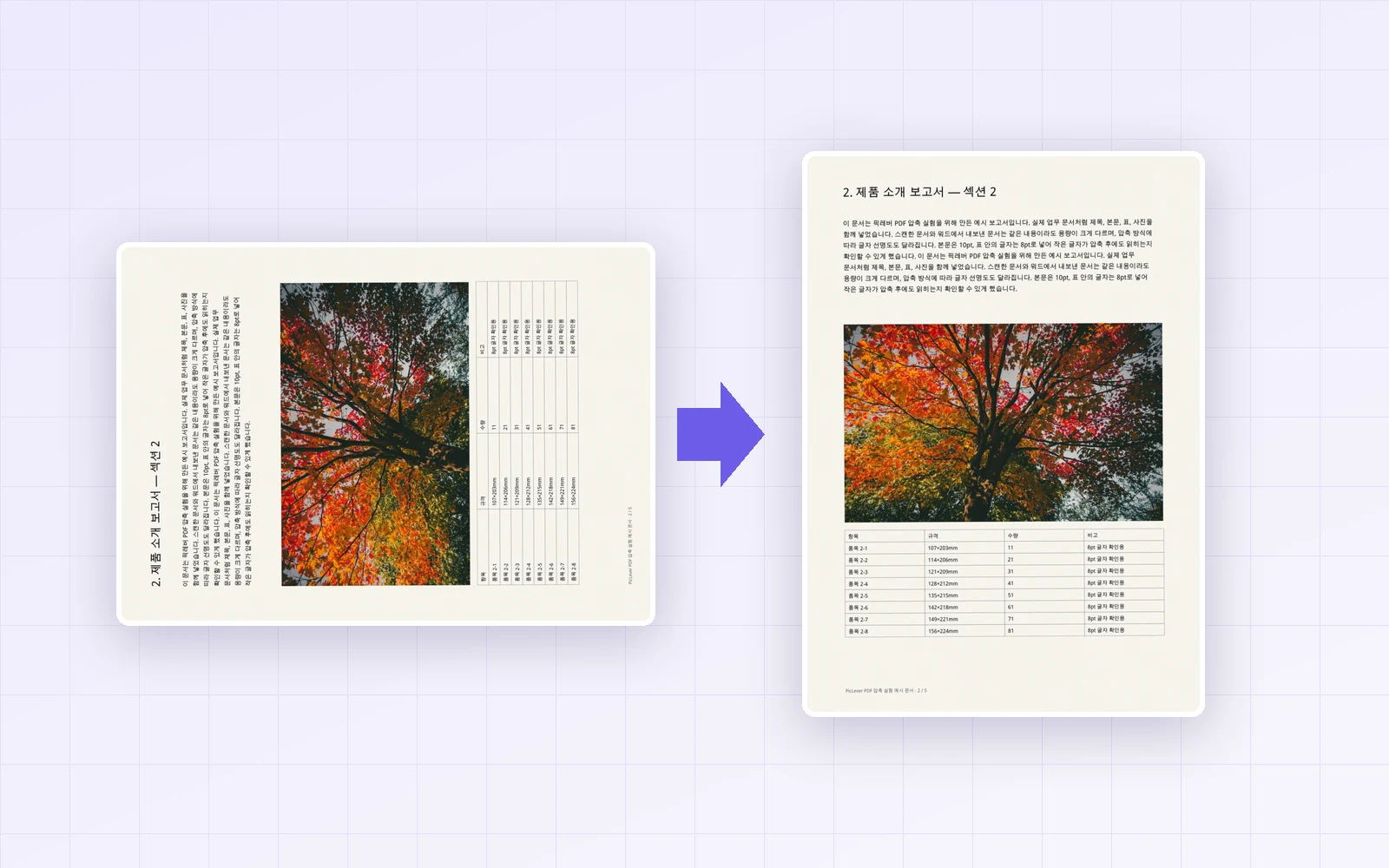
How to Rotate and Save PDF Pages (Fix Only Sideways Pages, Without Losing Quality)
I rotated only the sideways and upside-down pages of a scanned PDF and saved it. Here's how to pick the page range and angle, and what happens to quality, file size and other viewers.
2026-10-06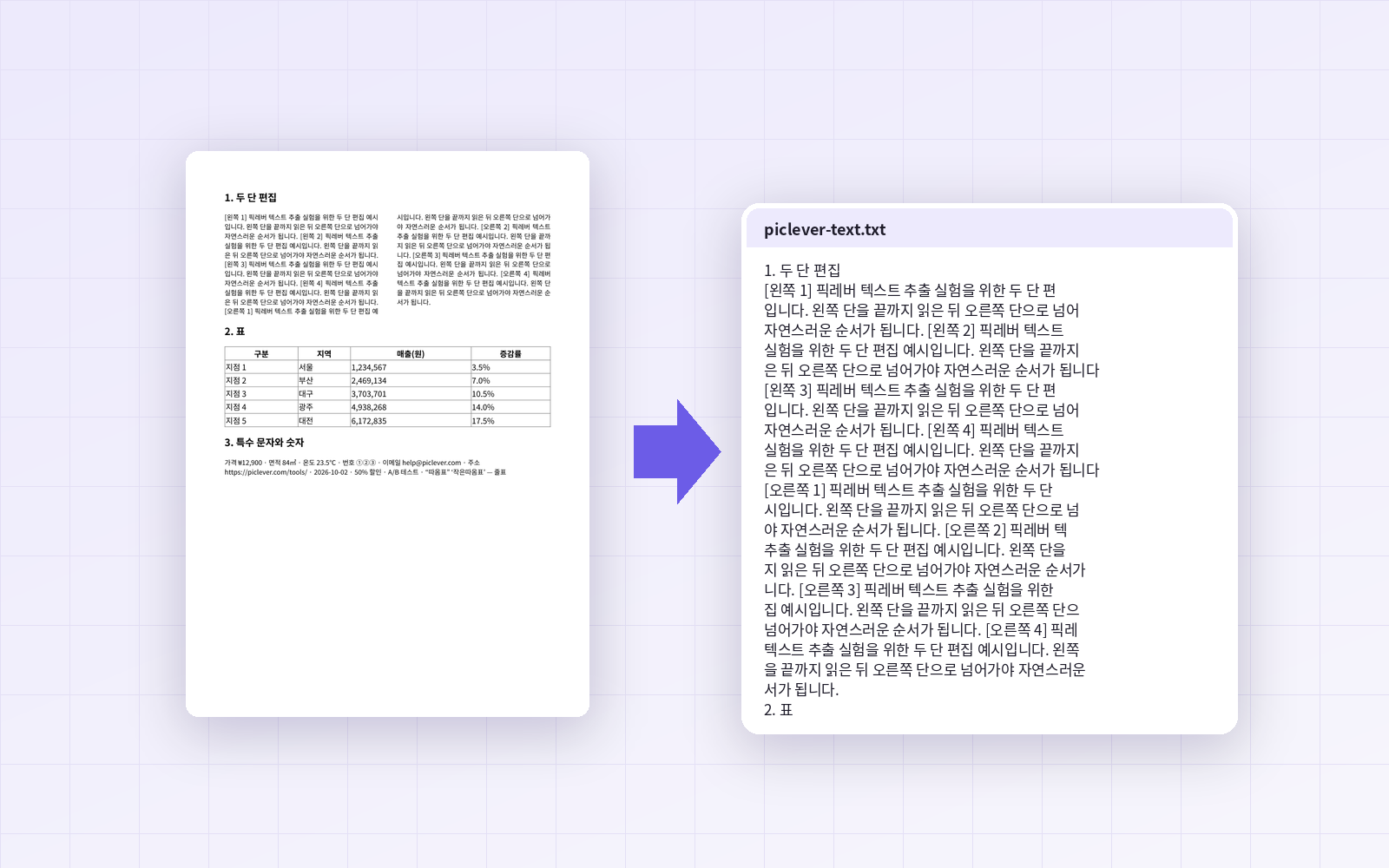
How to Extract Text from a PDF (Two-Column Layouts, Tables and Scans Compared)
I extracted PDF text to TXT and compared it with the original. Characters and column order were exact, but every line end became a line break, tables came out space-separated, and scans had no text.
2026-10-02